Cloud-Computing-IA-2
Three-Tier Architecture with Docker
This guide will walk you through creating a three-tier application using a multi-container setup with Docker.
Author: Harsh Shah (21BCP359)
Medium Article: Dockerise Flask App with MongoDB
What is a Three-Tier Architecture?
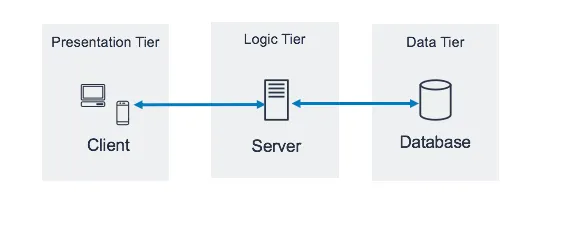
A three-tier architecture is a well-established software application design pattern that organizes the application into three logical and physical tiers:
- Presentation Tier (e.g., HTML, CSS): This tier handles the user interface and presentation logic.
- Application Tier (e.g., Flask): This tier implements the business logic and interacts with the data tier.
- Data Tier (e.g., MongoDB): This tier stores and manages the application data.
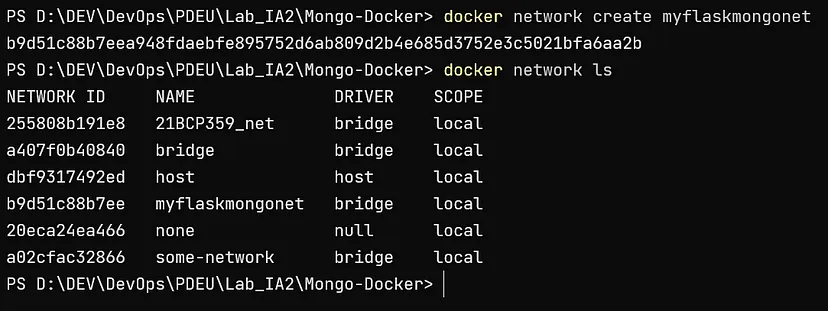
Creating an Isolated Network
This command creates a new Docker network named myflaskmongonet that will be used by our application containers.
docker network create myflaskmongonet
Creating a MongoDB Container
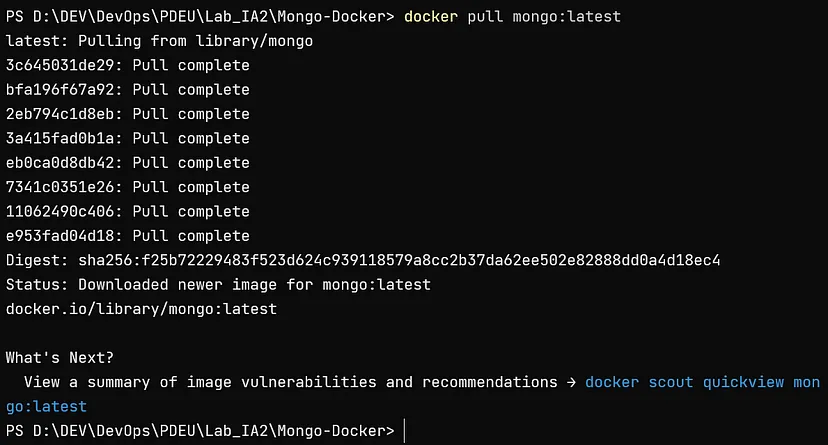
You can pull the official MongoDB image from Docker Hub: https://hub.docker.com/_/mongo
docker pull mongo:latest
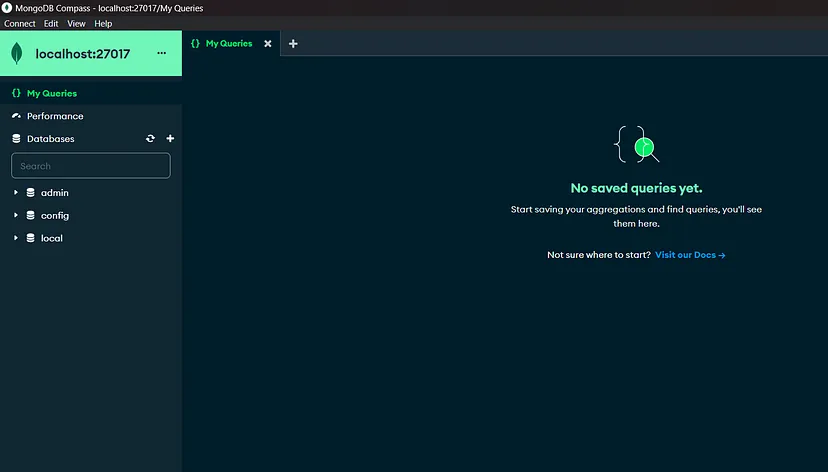
Running Mongo Container
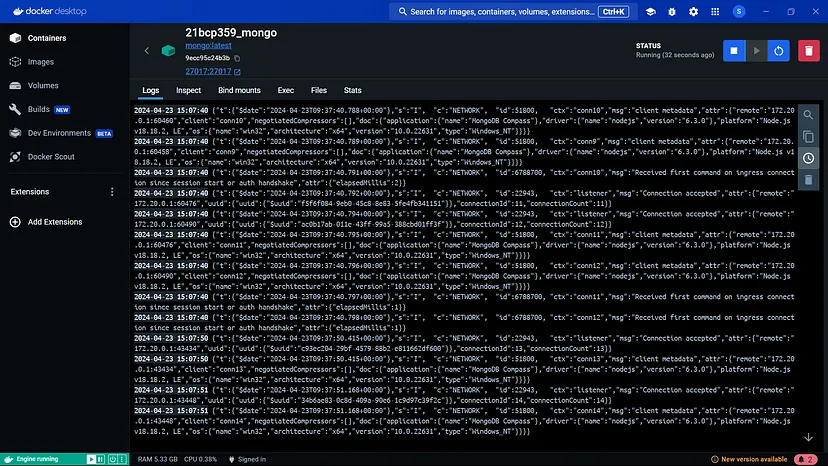
This command runs a MongoDB container in detached mode (-d), maps the container’s port 27017 to the host’s port 27017 (-p), connects the container to the myflaskmongonet network (--network), and assigns the name 21bcp359_mongo to the container.
docker run -d -p 27017:27017 --network myflaskmongonet --name 21bcp359_mongo mongo:latest

Project Setup
For this example, we’ll use a project from GitHub: https://github.com/Soumi7/Mongo-Docker
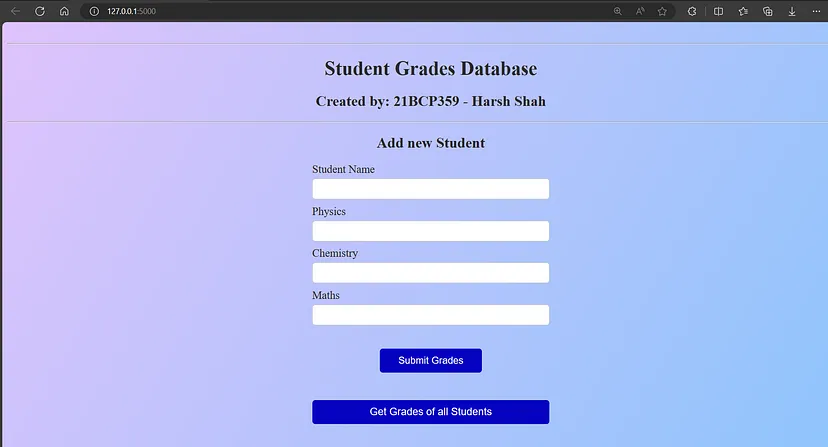
These commands clone the Mongo-Docker repository, install the required Python packages, and run the Flask application. You should be able to access the application at http://localhost:5000/.
git clone https://github.com/Soumi7/Mongo-Docker.git
cd Mongo-Docker/
python -m pip install -r requirements.txt
python app.py
Navigate to http://localhost:5000/
Create Dockerfile in the root of your project
FROM python:3.8
ENV MONGODB_CONNSTRING="mongodb://localhost:27017"
COPY ./app_atlas.py /deploy/
COPY ./requirements.txt /deploy/
COPY ./templates /deploy/templates/
COPY ./static/css /deploy/static/css/
WORKDIR /deploy/
RUN pip3 install -r requirements.txt
EXPOSE 5000
ENTRYPOINT ["python", "app_atlas.py"]
Difference between RUN and CMD in Dockerfile:
RUN is used to execute commands during the build process of a Docker image, while CMD is used to specify the default command to run when a Docker container is started from the image.
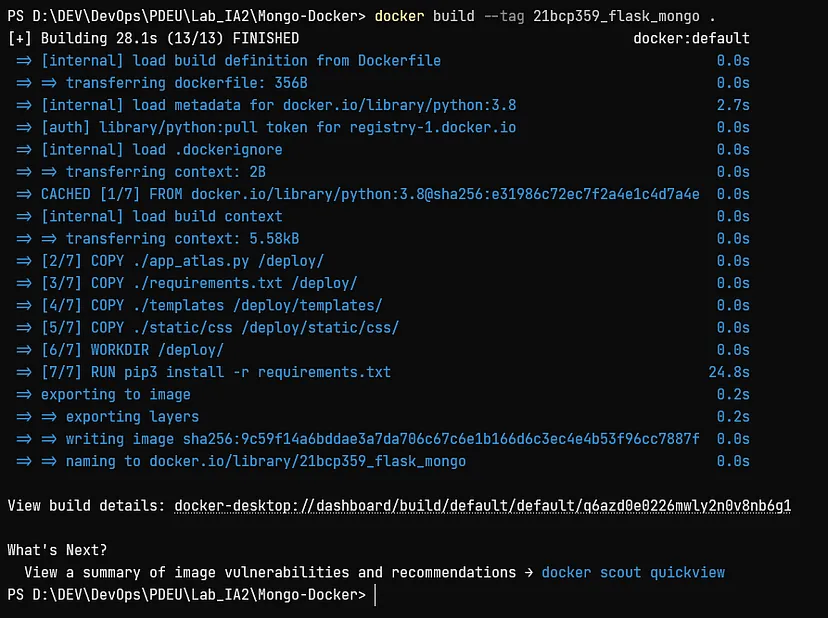
Build Docker image using the following command
This command builds the image from the Dockerfile in the current directory and tags it with the name 21bcp359_flask_mongo.
docker build --tag 21bcp359_flask_mongo .
Run the Flask App Container
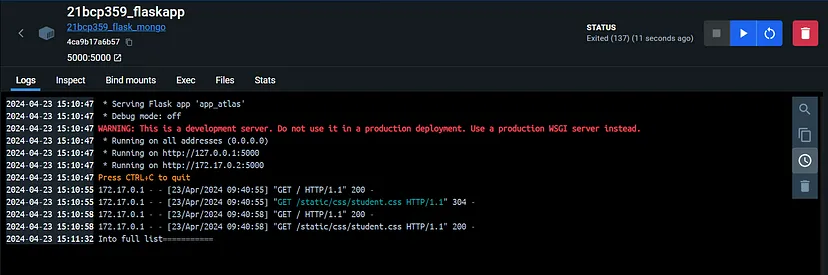
This command runs a container from the 21bcp359_flask_mongo image:
- Runs in detached mode (
-d) - Maps the container’s port
5000to the host’s port 5000 (-p) - Connects the container to the
myflaskmongonetnetwork (--network) - Assigns the name
21bcp359_flaskappto the container - Runs the application in the background (
-i) and allocates a pseudo-TTY (-t)
You should now be able to access your Flask application at http://localhost:5000/
docker run -dit -p 5000:5000 --name=21bcp359_flaskapp 21bcp359_flask_mongo


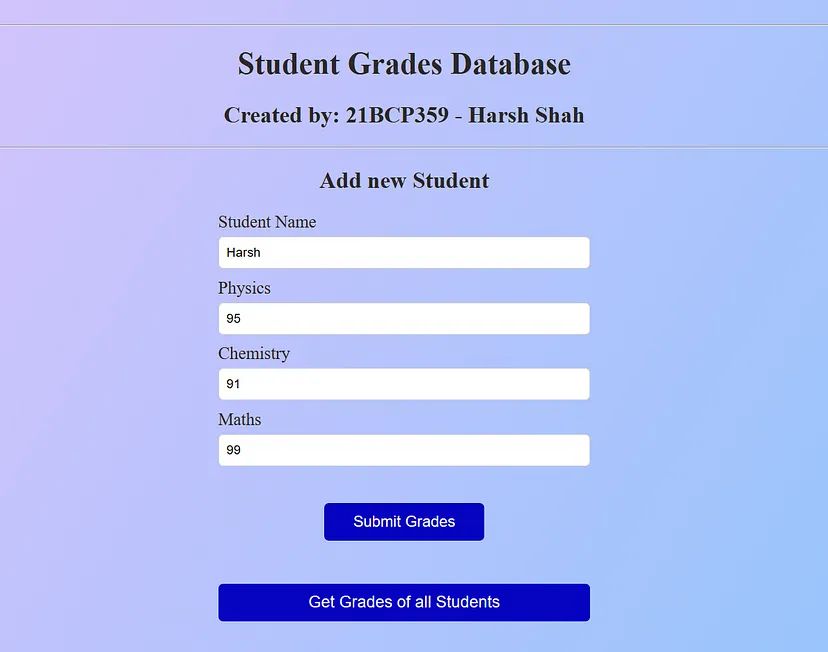
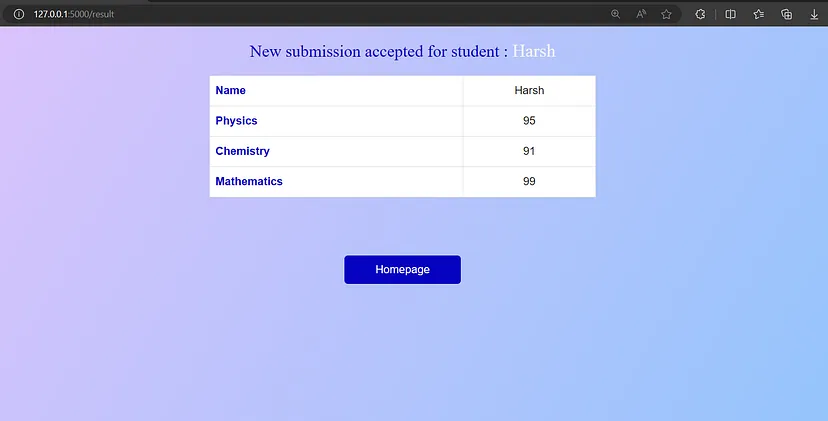
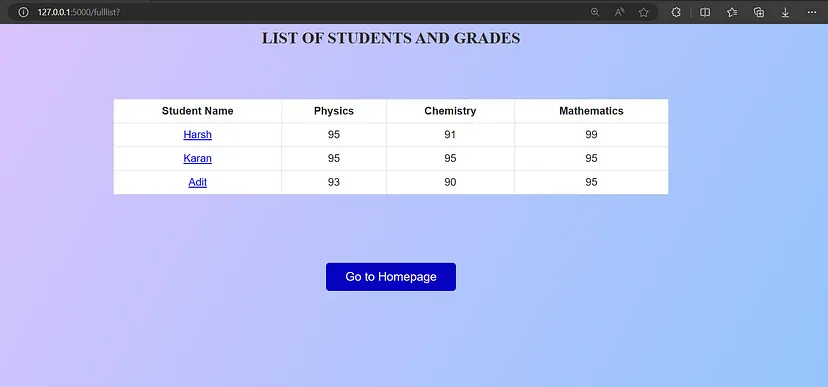
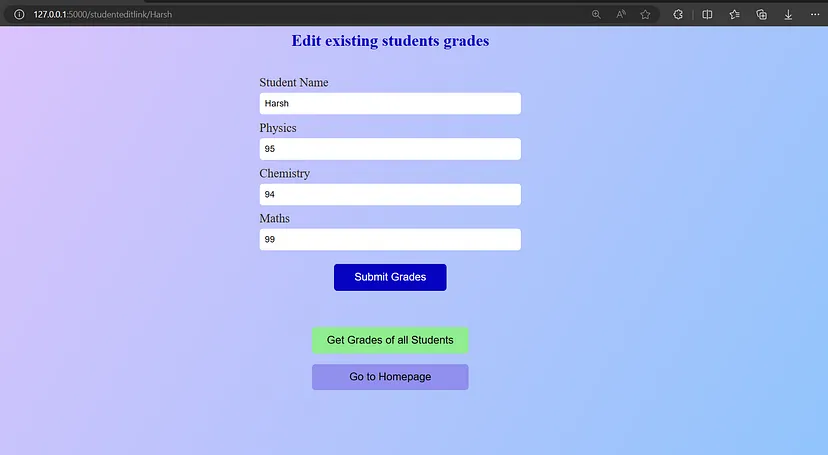
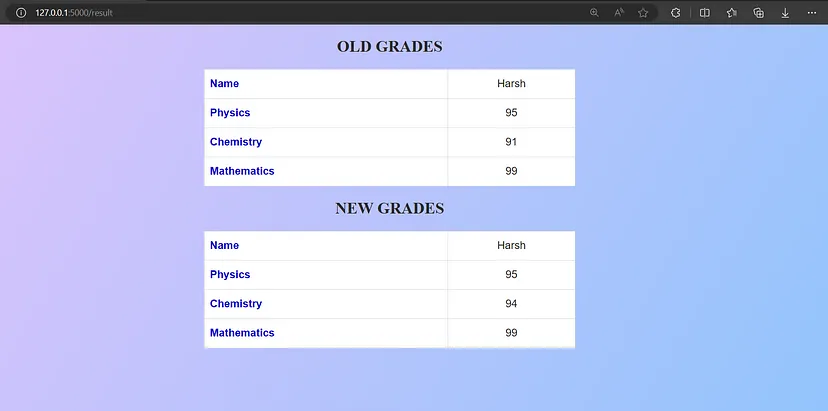
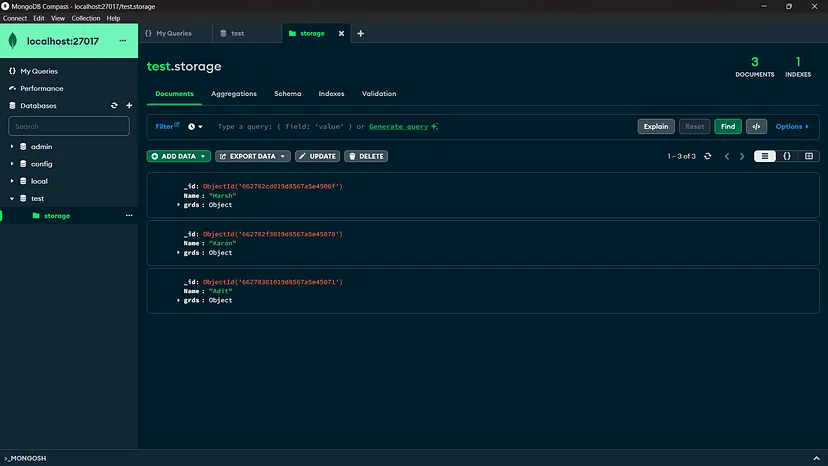
Web App Snapshots
Push to Dockerhub
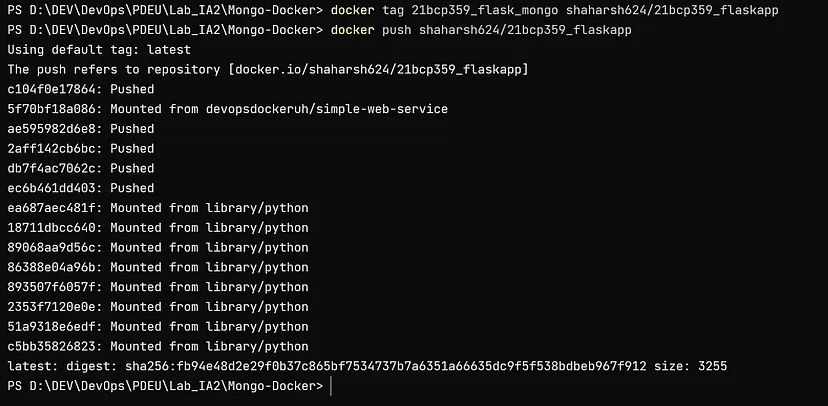
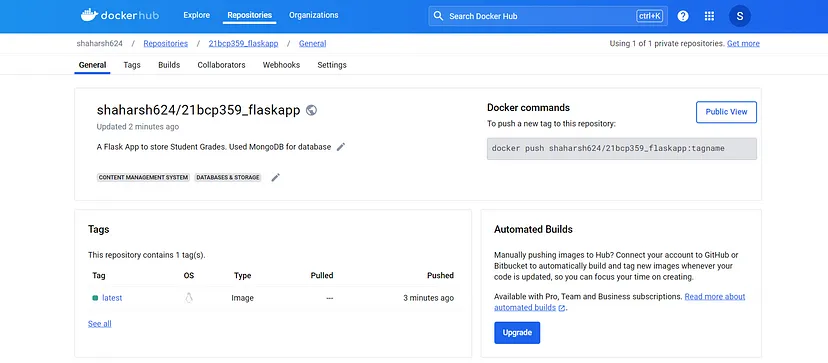
docker tag 21bcp359_flask_mongo shaharsh624/21bcp359_flaskapp
docker push shaharsh624/21bcp359_flaskapp
Connect with me:
Portfolio: shaharsh.vercel.app
LinkedIn: harshshahdev
GitHub: shaharsh624